A physical security key that makes phishing attacks nearly impossible.
Visit YubiKey 5 NFC →Unlike codes from an app, a YubiKey verifies the exact website you're logging into, which means it cannot be tricked by fake login pages. For families who want the strongest possible protection on their most critical accounts, this is the gold standard.
Always buy a pair — one as your primary key, one as backup stored in a safe place. Order directly from yubico.com and never from third-party resellers.
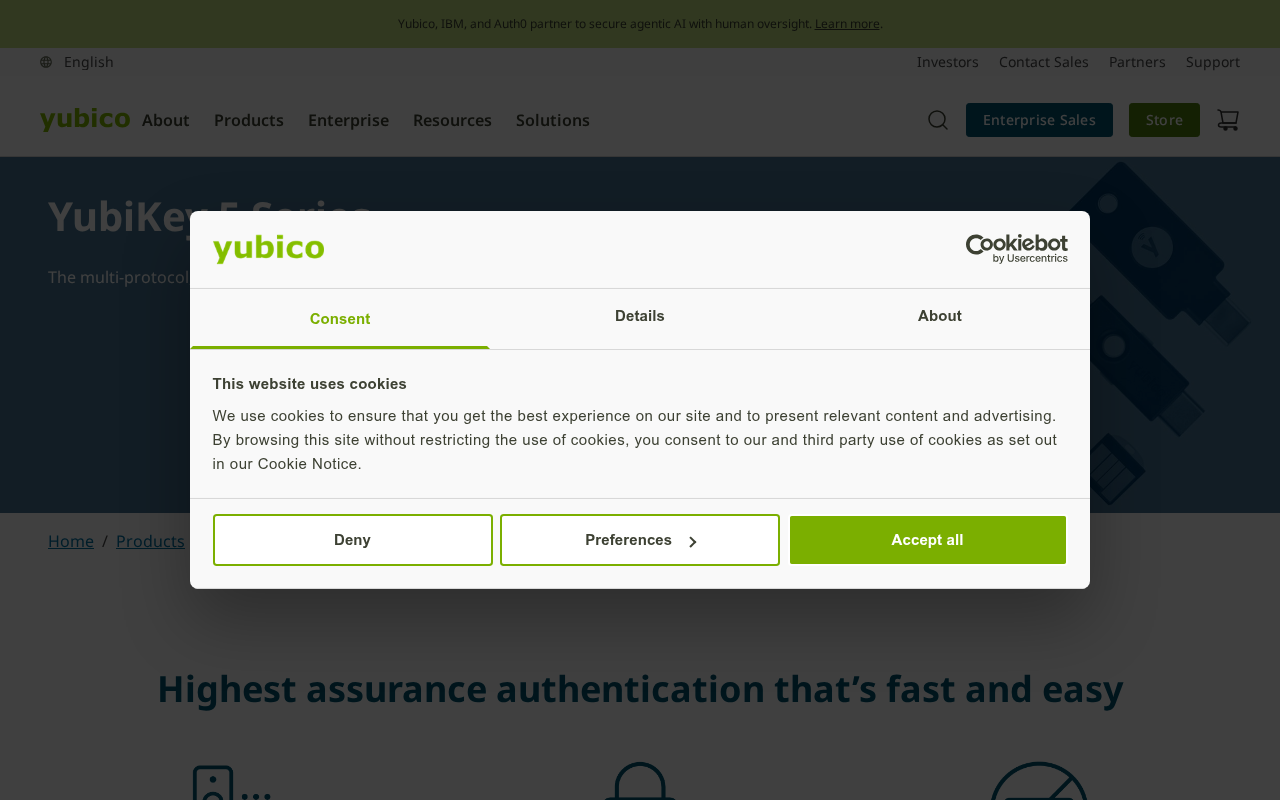
Go to myaccount.google.com > Security > 2-Step Verification > Add security key, plug in your YubiKey, and follow the prompts, touching the gold circle when it flashes.
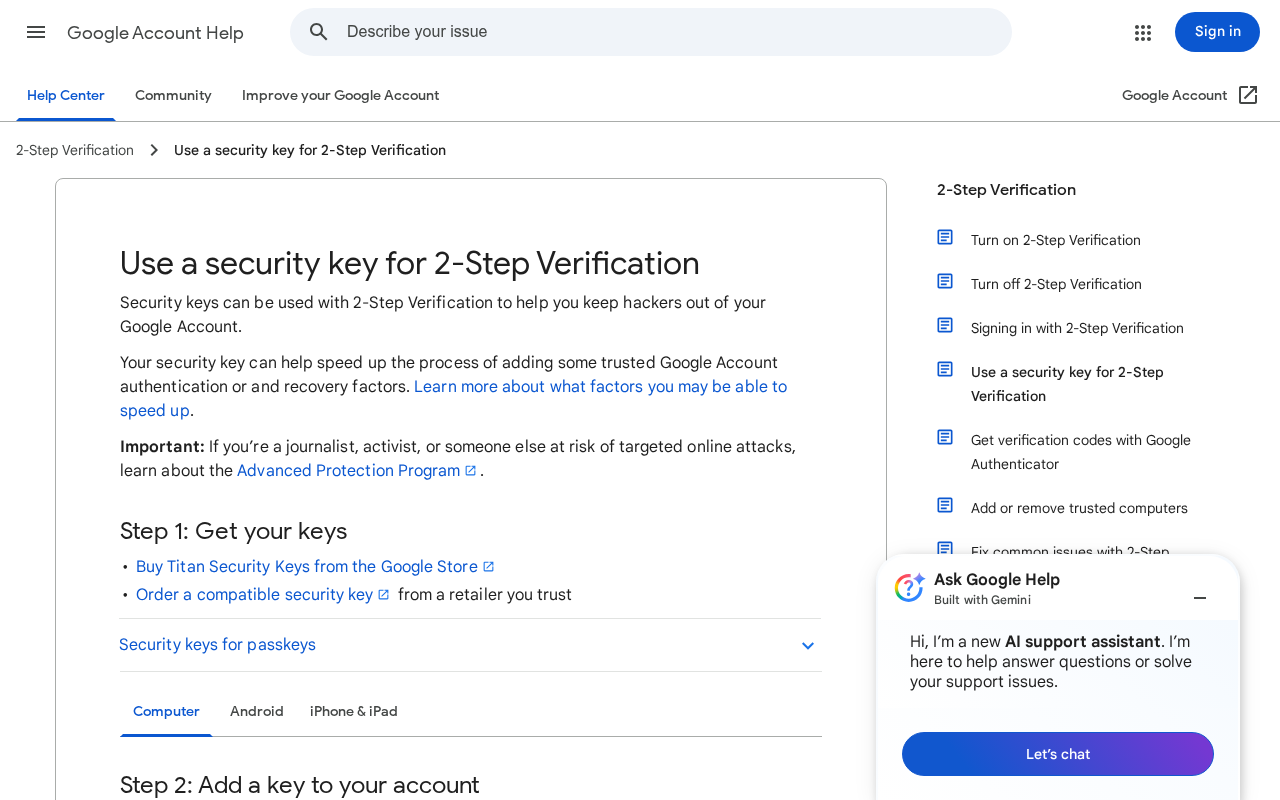
Go to account.microsoft.com > Security > Advanced Security Options > Add a new way to sign in, and choose security key.
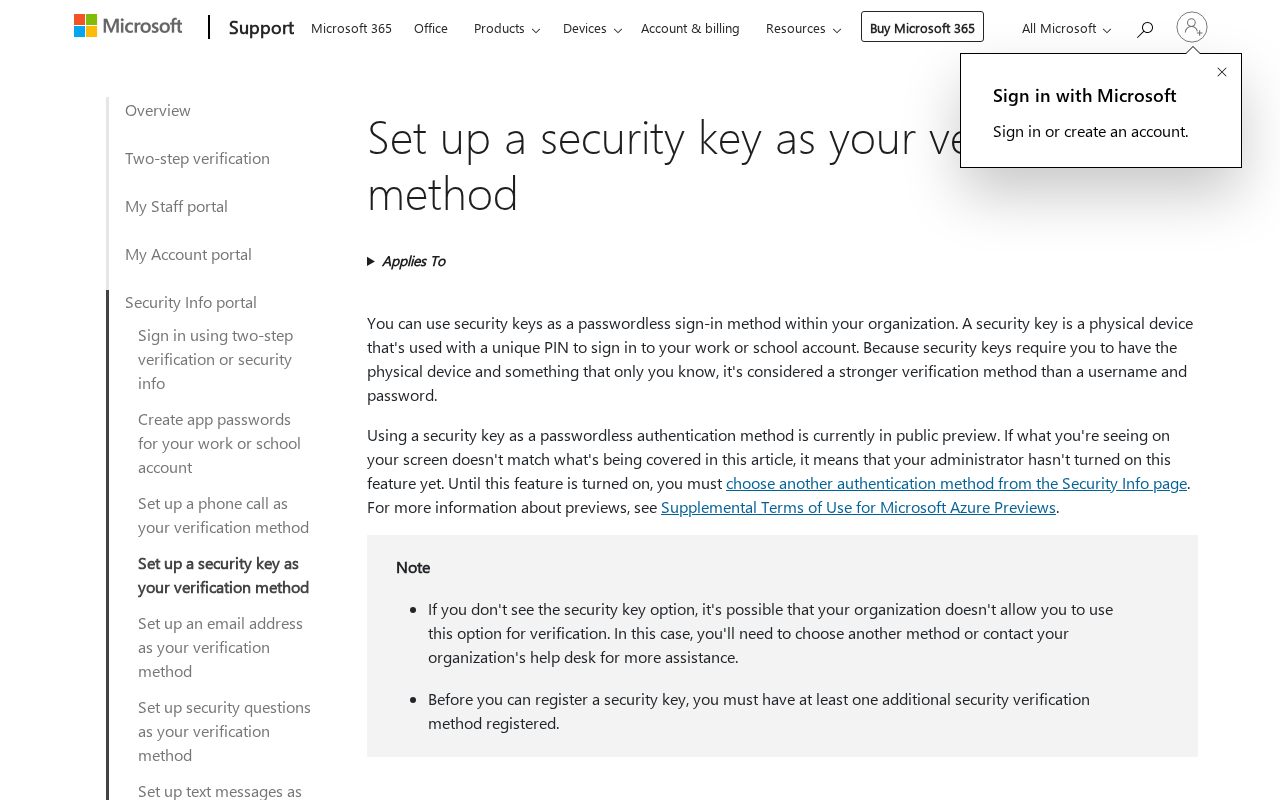
Both 1Password and Bitwarden support YubiKey. Go to their Security settings and add it as a 2FA method.
Repeat the registration steps with your second YubiKey, then store the backup in a fireproof safe or safety deposit box.
Tap the YubiKey to the top of your iPhone to use it via NFC, and install the Yubico Authenticator app for accounts that need it.
Sign out of Google, sign back in, and when prompted, touch the gold circle on your YubiKey. It should complete instantly.
Dire situation, confused, not sure where to start — send us a note. No consulting pitch, no sales call. We read every message and point you in the right direction.