Private Email

ProtonMail Setup Guide

End-to-end encrypted email for your most sensitive conversations, based in privacy-first Switzerland.

Visit ProtonMail →
Why we recommend this

ProtonMail encrypts your inbox in a way that even Proton itself cannot read, which matters most for the healthcare, financial, and legal emails your family can't afford to have exposed. It's free to start and works alongside your existing email address.

Price
Free / $3.99/mo
Platform
All
Best For
Private, encrypted email
Difficulty
Easy

Setup Guide

1

Create your Proton account

Go to proton.me, choose a username (yourname@proton.me), and create a strong password. The free plan is fully functional.
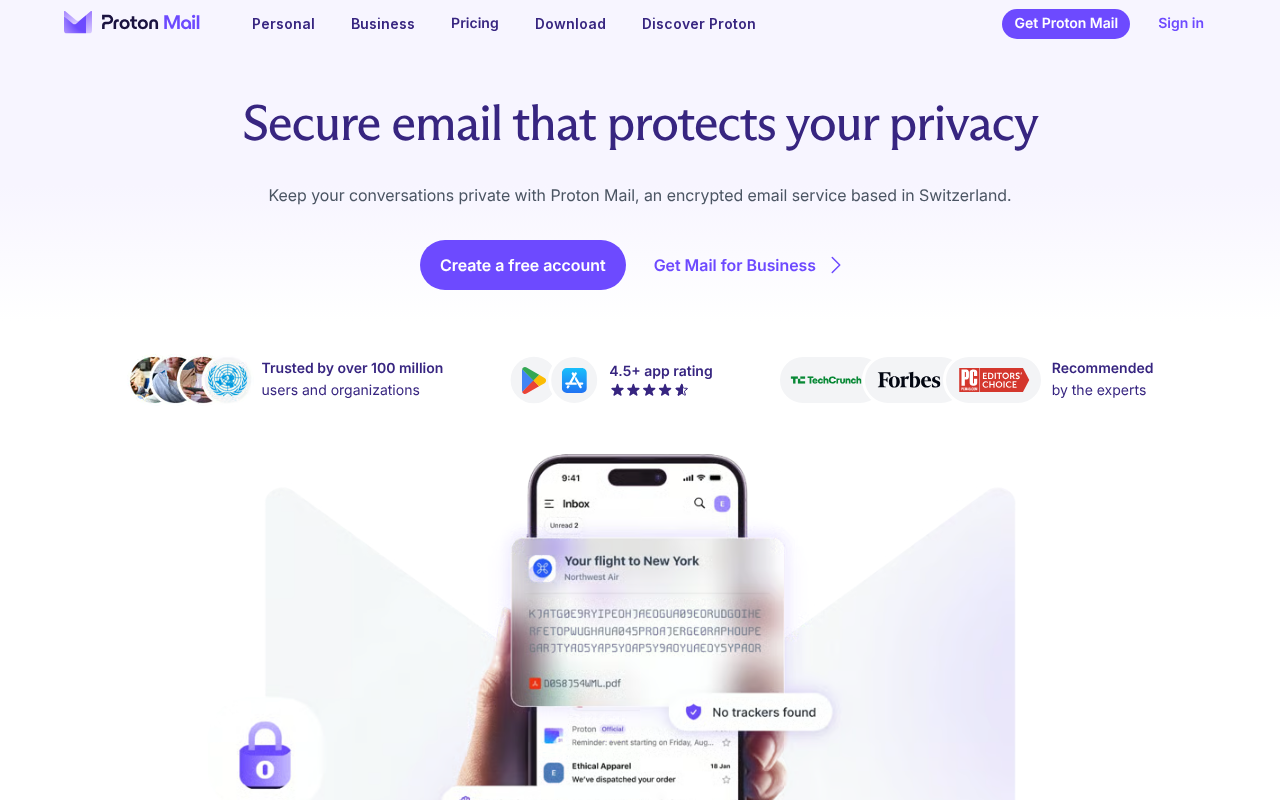
Step 2 — ProtonMail inbox interface
3

Download the mobile app

Available on iOS and Android — enable Face ID or fingerprint for quick, secure access.
Step 3 — ProtonMail mobile app biometric lock screen
4

Send your first encrypted email

Emails between Proton users are automatically end-to-end encrypted. For non-Proton recipients, click the lock icon when composing to set a password on the message.
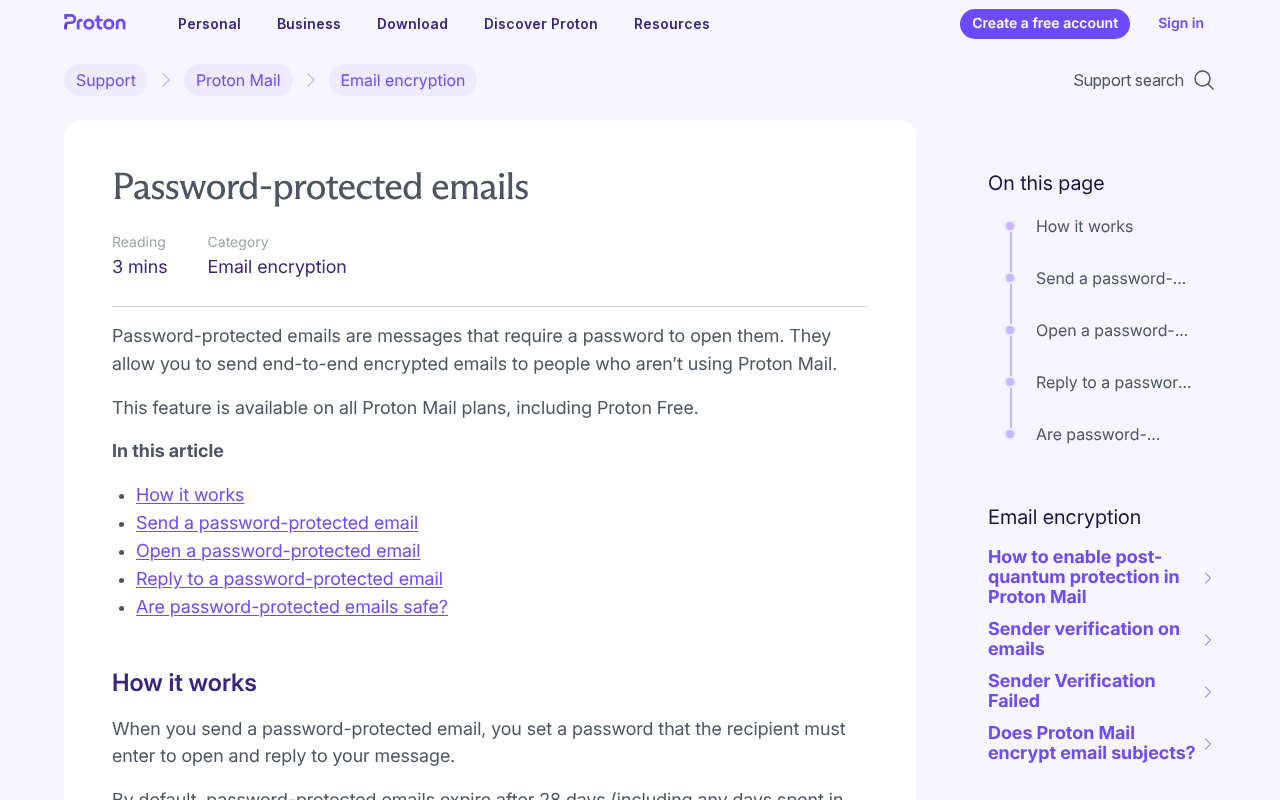
Step 4 — Composing an encrypted email with password protection
5

Enable two-factor authentication

Go to Settings > Account and Security > Two-factor authentication, and use Authy to scan the QR code.
Step 5 — ProtonMail two-factor authentication setup screen
6

Consider your email alias strategy

Use your Proton address for sensitive accounts like banking and healthcare, and keep a regular email for newsletters and shopping.
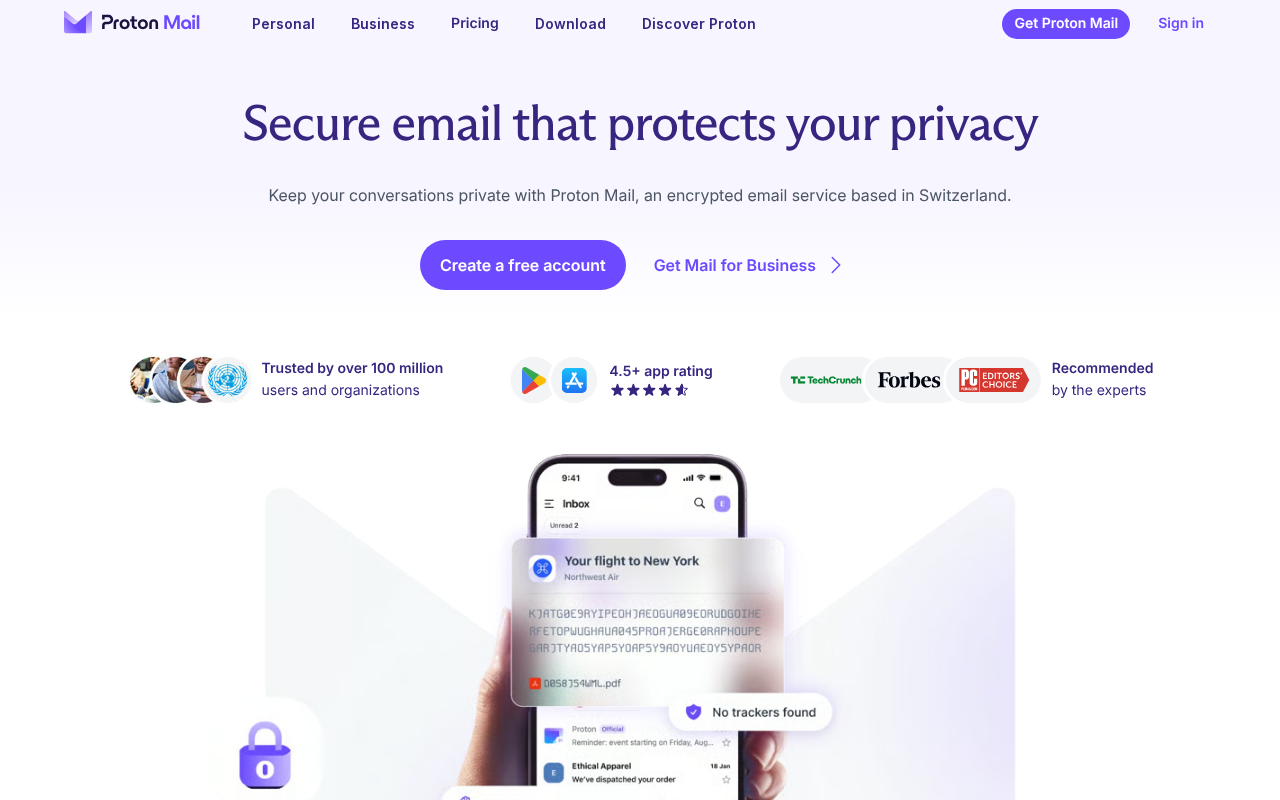
Step 6 — Example inbox organization for sensitive vs. everyday email

Do's and Don'ts

Do

  • Use it for your most sensitive accounts (healthcare, financial, legal)
  • Enable 2FA on your Proton account
  • Use the encrypted send feature for sensitive emails to non-Proton users
  • Consider SimpleLogin (owned by Proton) for email aliases

Don't

  • Don't forget your password — Proton cannot read or reset your encrypted mailbox
  • Don't assume all Proton emails are encrypted — only Proton-to-Proton is automatically end-to-end encrypted

Pro Tips

Pro Tips

  • One Proton account gives you ProtonMail plus ProtonVPN (free tier), ProtonDrive, and ProtonCalendar.
  • Proton is headquartered in Geneva, Switzerland, with strong legal privacy protections.
  • For maximum privacy, create your Proton account over Tor or a VPN.
  • Proton's Sentinel program (paid) adds account monitoring and enhanced 2FA.

Frequently Asked Questions

Is ProtonMail really private?
Yes — it's end-to-end encrypted for Proton-to-Proton email, and metadata like timestamps and recipient addresses is also minimized.
Can authorities access my ProtonMail?
Only with a Swiss court order, and even then, encrypted message content is inaccessible without your password.
What's the difference between free and paid?
Free includes 1 address and 1GB storage. Paid adds a custom domain, 10+ addresses, and 500GB of storage.
Can I use my own domain?
Yes — on the Mail Plus or Proton for Business plans.
Is it compatible with regular email?
Yes — you can send and receive email from any address, and import your existing Gmail inbox.

Resources

Something wrong? Just reach out.

Dire situation, confused, not sure where to start — send us a note. No consulting pitch, no sales call. We read every message and point you in the right direction.
Real people, real responses No pitch, no upsell Free, always
Send us a note →