Data Removal

Optery Setup Guide

See exactly where your personal data is exposed online, with actual screenshots as proof.

Visit Optery →
Why we recommend this

Optery stands out by showing you real screenshots of your listings on broker sites rather than just a list of names, which makes the risk tangible. Its free scan is a great way to gauge your exposure before deciding how much automation you want to pay for.

Price
Free scan / $3.99-$16.99/mo
Platform
Web service
Best For
DIY data removal with visual proof
Difficulty
Easy

Setup Guide

1

Run your free scan

Click “Get My Free Exposure Report” at optery.com, enter your name and location, and Optery will find your listings and show you screenshots.
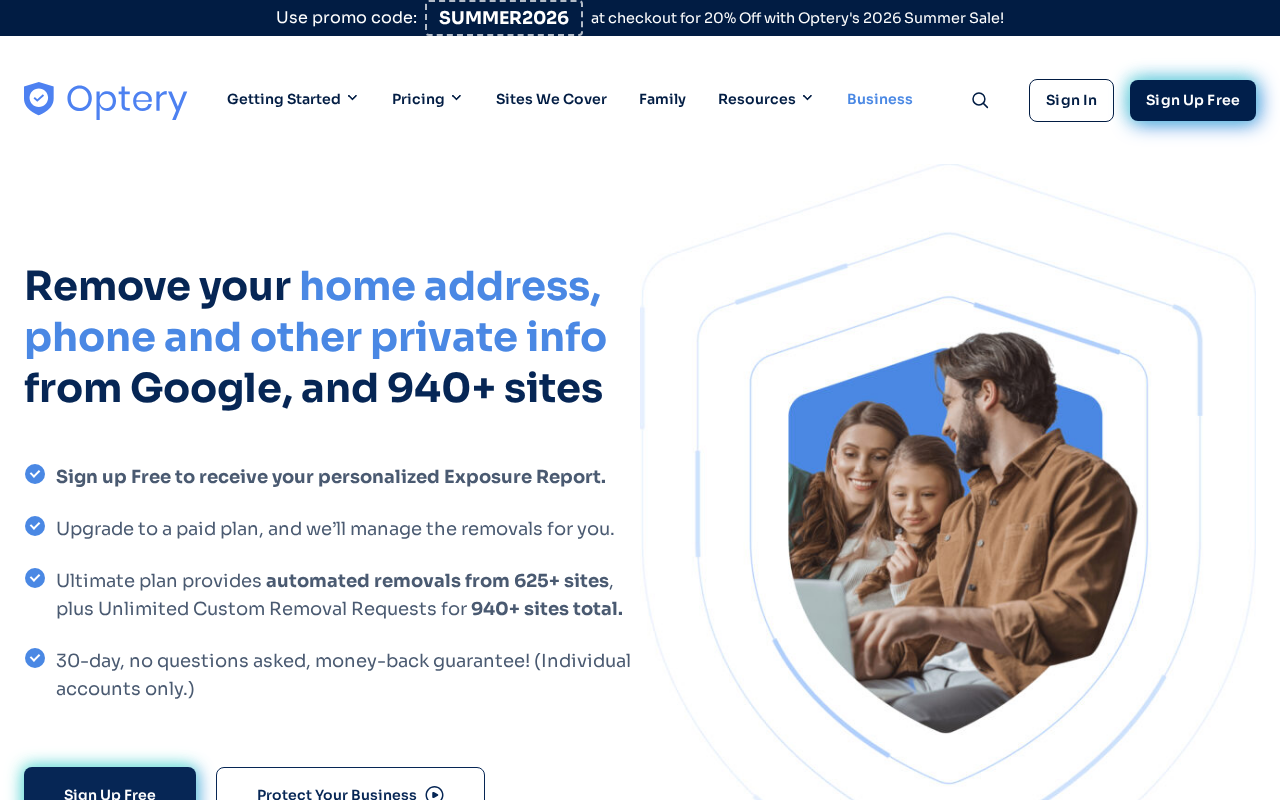
Step 2 — Optery exposure report with broker site screenshots
3

Choose your plan

The free plan shows listings but requires manual opt-outs. Basic ($3.99/mo) handles some removals automatically; Core ($8.99/mo) and Full ($16.99/mo) cover more sites.
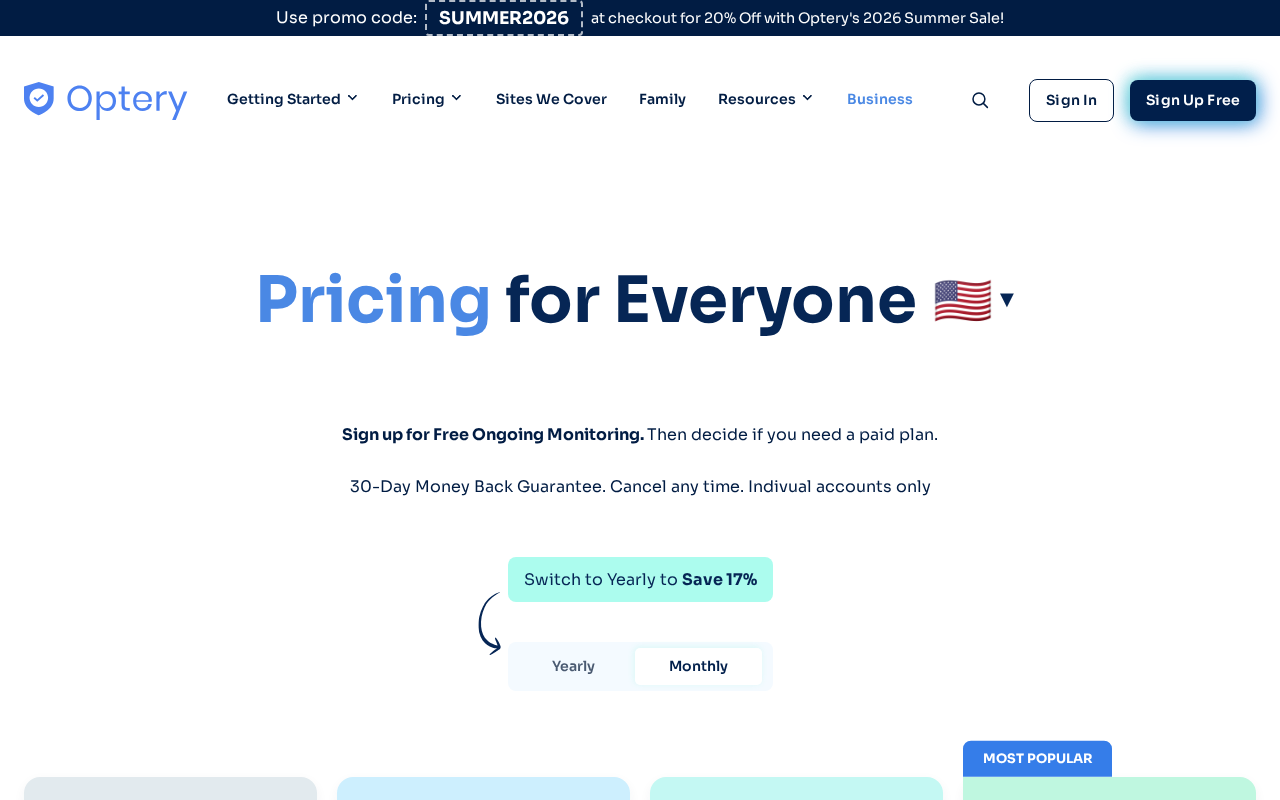
Step 3 — Optery plan comparison page
4

Complete the optional manual removals

For sites not covered by your plan, Optery provides direct links and instructions. This typically takes 30-60 minutes.
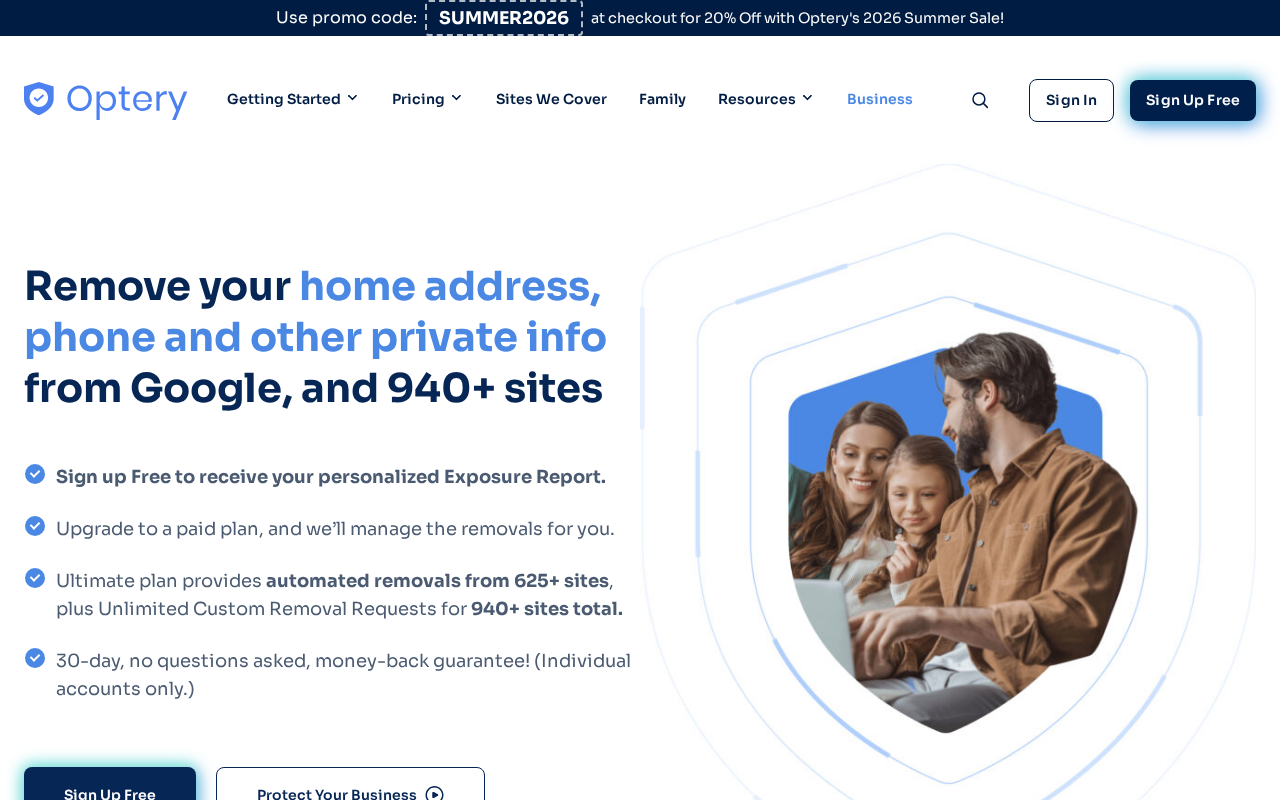
Step 4 — Optery manual removal instructions for a specific broker
5

Monitor your ongoing report

Log in every few months to review your report and track removal progress over time.
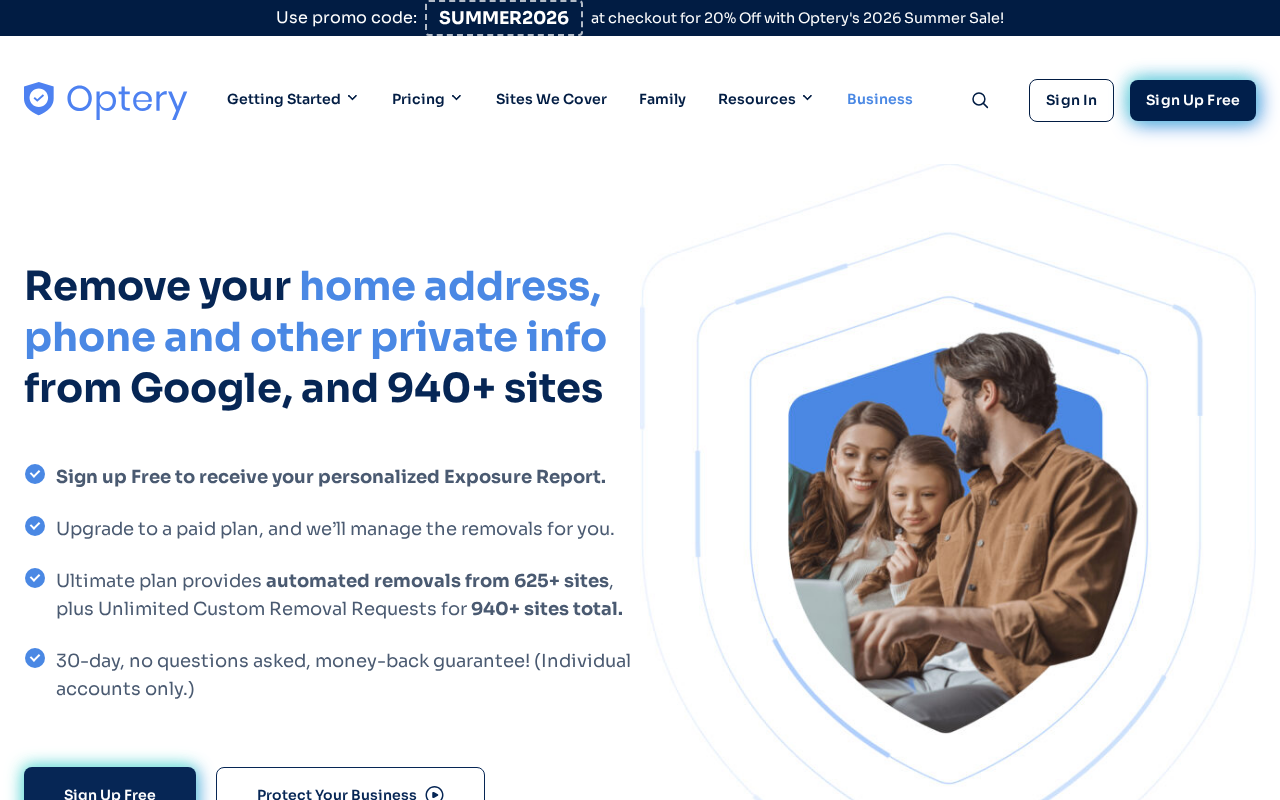
Step 5 — Optery dashboard showing removal progress over time

Do's and Don'ts

Do

  • Start with the free scan to understand your exposure
  • Compare with DeleteMe if you want full automation
  • Use the manual removal links even on the free plan, since they save time

Don't

  • Don't expect the free plan to do the removals for you — it's a great diagnostic but requires manual work

Pro Tips

Pro Tips

  • Optery's screenshot proof is unique — you can actually see how your data appears on broker sites.
  • For the most automated experience without manual work, upgrade to Full or compare with DeleteMe.
  • Optery has a strong privacy-by-design approach and is transparent about what they do.

Frequently Asked Questions

How is Optery different from DeleteMe?
Optery shows you screenshot proof of your listings; DeleteMe is more fully automated. Both are good options.
Is the free scan really free?
Yes — no credit card is required for the exposure report.
How many sites does it cover?
200+ sites on the full plan.
Does it work for people outside the US?
It's primarily US-focused.
How long do removals take?
Varies by site — typically 2-8 weeks.

Resources

Something wrong? Just reach out.

Dire situation, confused, not sure where to start — send us a note. No consulting pitch, no sales call. We read every message and point you in the right direction.

Real people, real responses No pitch, no upsell Free, always
Send us a note →