Apple's built-in password manager — free, simple, and already on every device you own.
Visit iCloud Keychain →If your entire household uses iPhones and Macs, iCloud Keychain is a zero-cost, zero-setup way to start using unique, strong passwords everywhere. It's the easiest possible starting point, though families with mixed devices should consider Bitwarden instead.
Go to Settings > [your name] > iCloud > Passwords and Keychain, and turn it on.
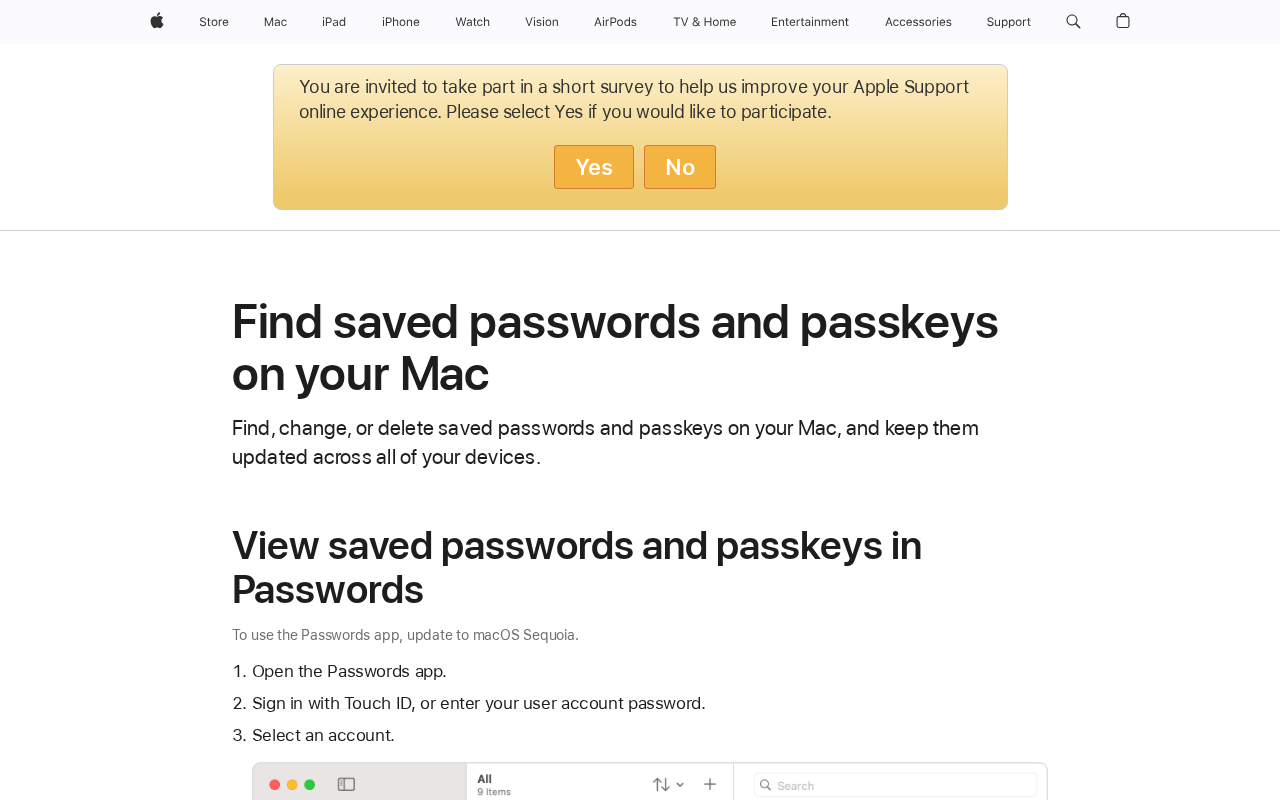
Keychain works best with Safari. Turn on AutoFill in Settings > Safari > AutoFill so saved passwords fill in automatically.
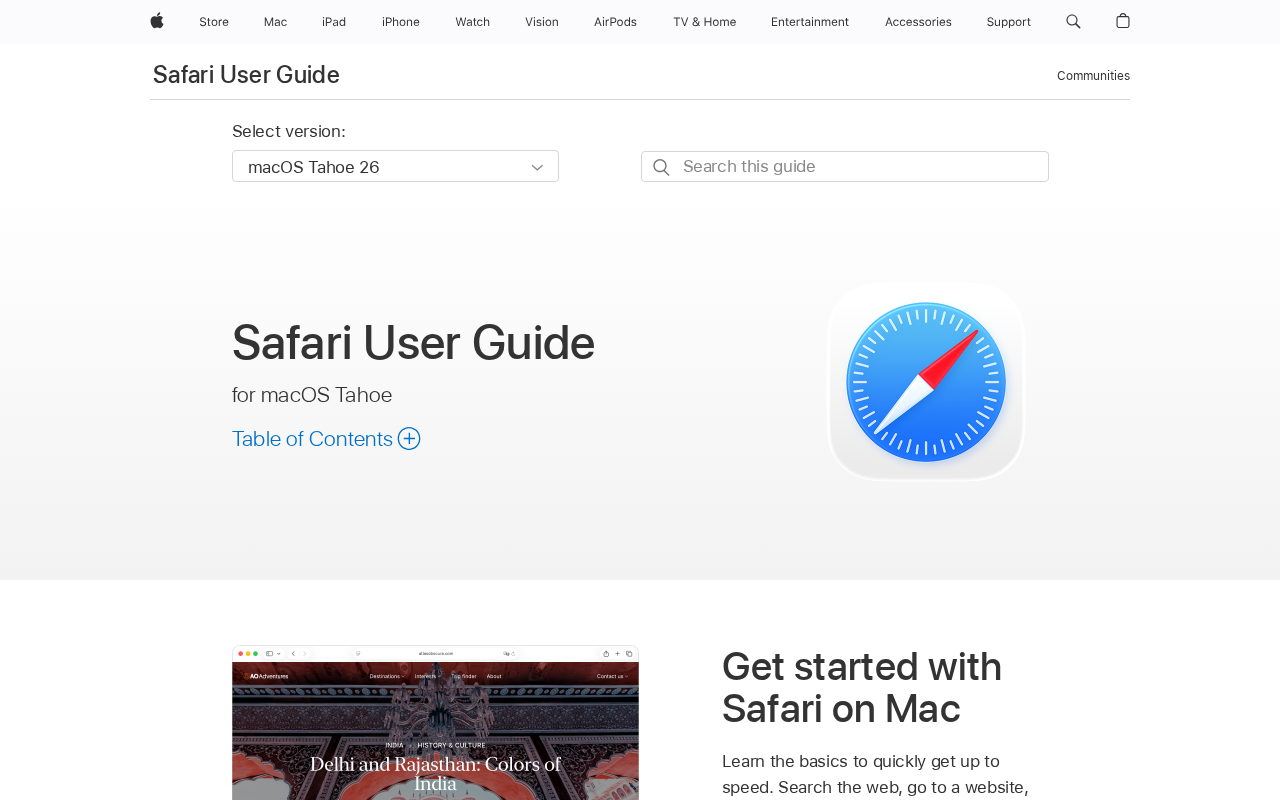
Log into any website in Safari and tap “Save Password” when prompted.
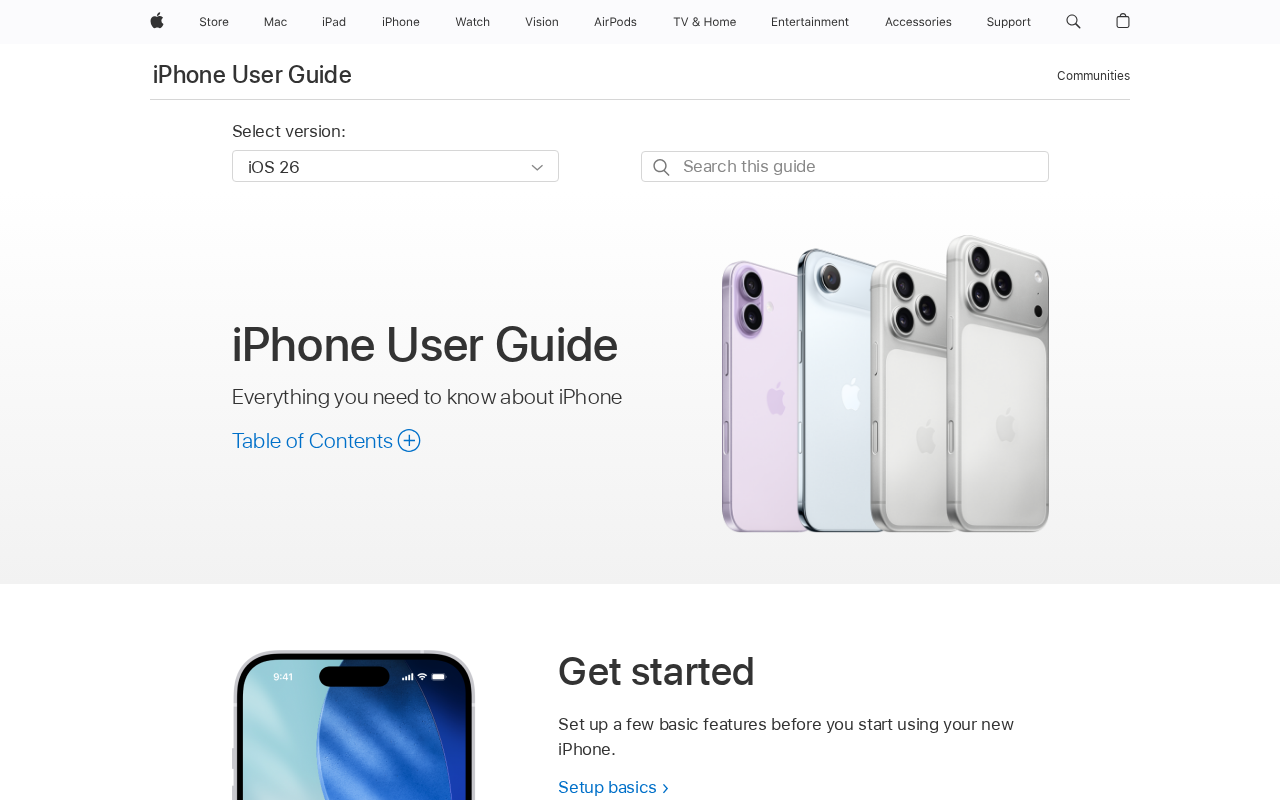
Go to Settings > Passwords on iPhone to see Security Recommendations, and fix any items that are flagged.
Dire situation, confused, not sure where to start — send us a note. No consulting pitch, no sales call. We read every message and point you in the right direction.