Private Email

Fastmail Setup Guide

Fast, ad-free email with a powerful masked-email feature to stop spam at the source.

Visit Fastmail →
Why we recommend this

Fastmail earns money from subscriptions instead of ads, so there's no incentive to scan your inbox for targeting data. Its built-in masked email feature is one of the best spam-control tools available, letting you trace and shut down exactly which service leaked your address.

Price
$3/mo individual, $5/mo standard
Platform
All
Best For
Reliable, private email with no ads
Difficulty
Easy

Setup Guide

1

Start your 30-day free trial

Go to fastmail.com — no credit card required — and choose a username (@fastmail.com, @fastmail.fm, or others).
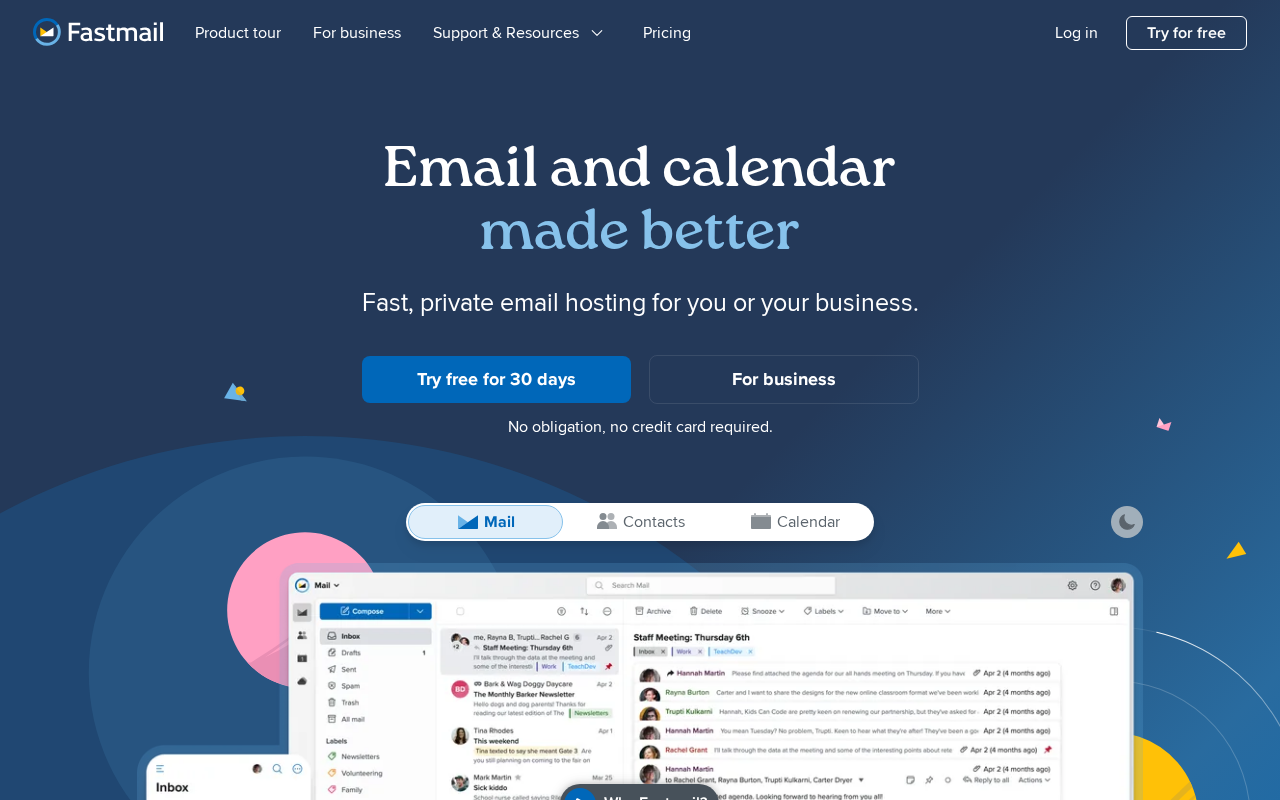
Step 2 — Fastmail inbox interface with sidebar
3

Download the Fastmail app

Available on iOS and Android — enable push notifications and biometric unlock.
Step 3 — Fastmail mobile app notification settings
4

Import from Gmail (optional)

Go to Settings > Migrate — Fastmail can automatically import your existing Gmail inbox.

5

Set up masked email

Fastmail has a built-in masked email feature that also integrates with 1Password — create a unique email per service so you can identify and shut down spam sources.

6

Enable two-factor authentication

Go to Settings > Password & Security > Two-factor authentication and scan the QR code with Authy.
Step 6 — Fastmail two-factor authentication setup

Do's and Don'ts

Do

  • Use masked email for every new account you sign up for — it's a game-changer for spam control
  • Import your Gmail archive
  • Set up your custom domain if you have one
  • Enable 2FA

Don't

  • Don't use Fastmail as your sole data repository without regular exports
  • Don't confuse Fastmail (privacy-focused) with Gmail (ad-funded)

Pro Tips

Pro Tips

  • Fastmail is based in Australia with servers in the US and Europe, under Australian privacy law with no ad-targeting model.
  • The masked email feature is unique — each masked address forwards to your real inbox and can be disabled individually.
  • Fastmail integrates natively with 1Password for masked email creation.
  • For a custom domain email with no Google dependency, Fastmail is the top choice among privacy-conscious professionals.

Frequently Asked Questions

Is Fastmail encrypted?
In transit, yes. At rest, Fastmail holds the keys — unlike ProtonMail — though their business model doesn't rely on reading your email.
How is Fastmail different from ProtonMail?
ProtonMail is end-to-end encrypted and more private. Fastmail is faster with more features and is more email-service-focused, at the cost of slightly less privacy.
Can I use my own domain?
Yes — included in all plans.
What is masked email?
A unique, random email address that forwards to your real inbox — perfect for signups, and disposable if it gets spammed.
Is it worth paying for?
At $3/mo for no ads, no tracking, a custom domain, and masked email, it's worth it for most privacy-conscious users.

Resources

Something wrong? Just reach out.

Dire situation, confused, not sure where to start — send us a note. No consulting pitch, no sales call. We read every message and point you in the right direction.

Real people, real responses No pitch, no upsell Free, always
Send us a note →