The best free password manager — open source, secure, and built for the whole family.
Visit Bitwarden →Bitwarden gives you enterprise-grade password security without a subscription, and its open-source code has been independently audited so you don't have to take anyone's word for it. It's the tool we recommend first to nearly every household we work with.
Go to bitwarden.com, click “Get Started Free,” enter your email, and create a strong master password. Write it down and store it somewhere safe — this is the only password you'll ever need to remember again.
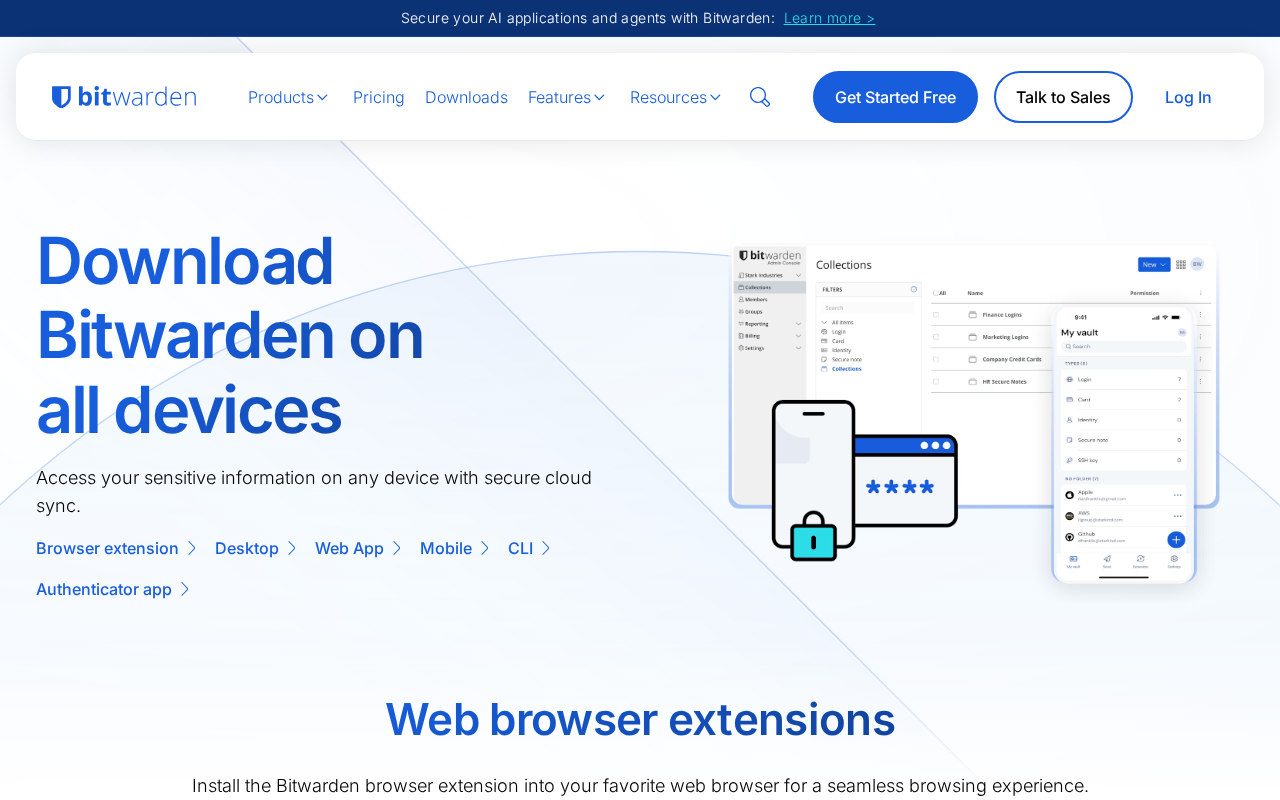
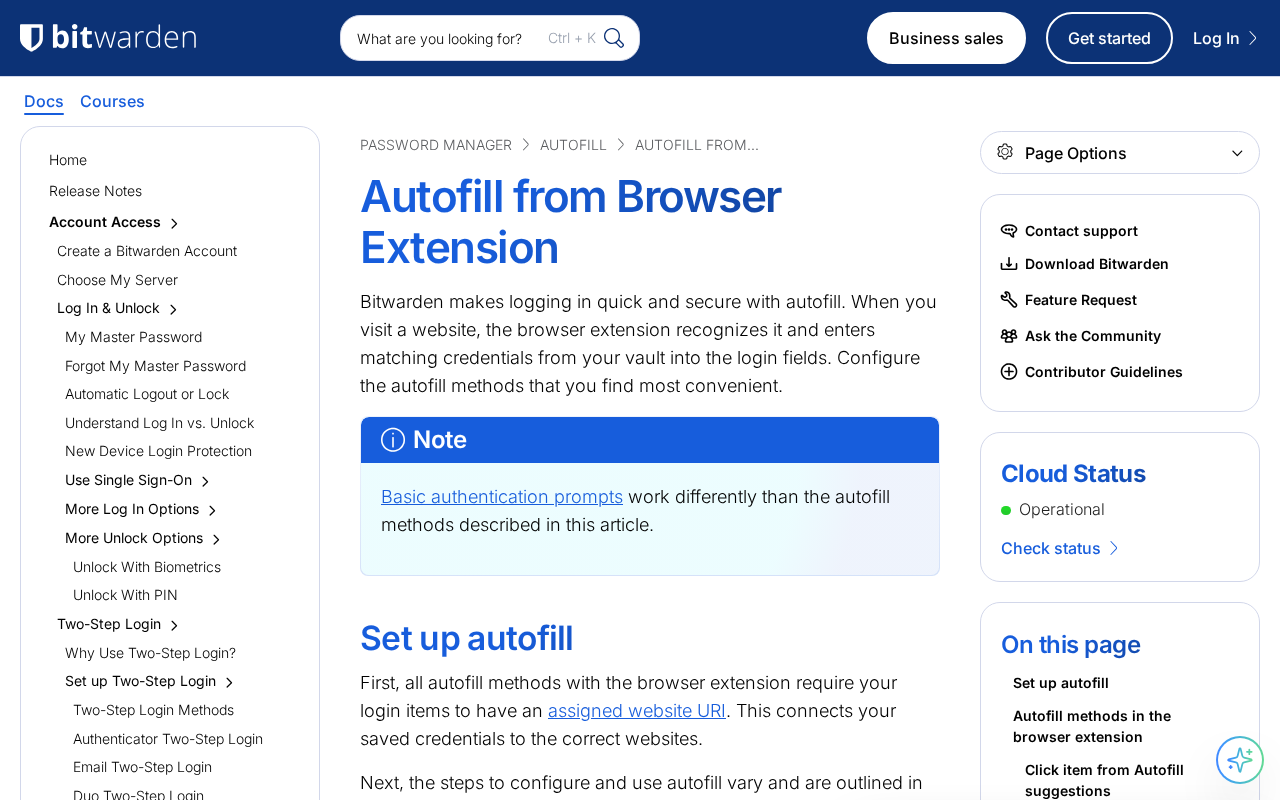
This is the most important step. The extension auto-fills your saved passwords on every website you visit, so you'll actually use it day to day.
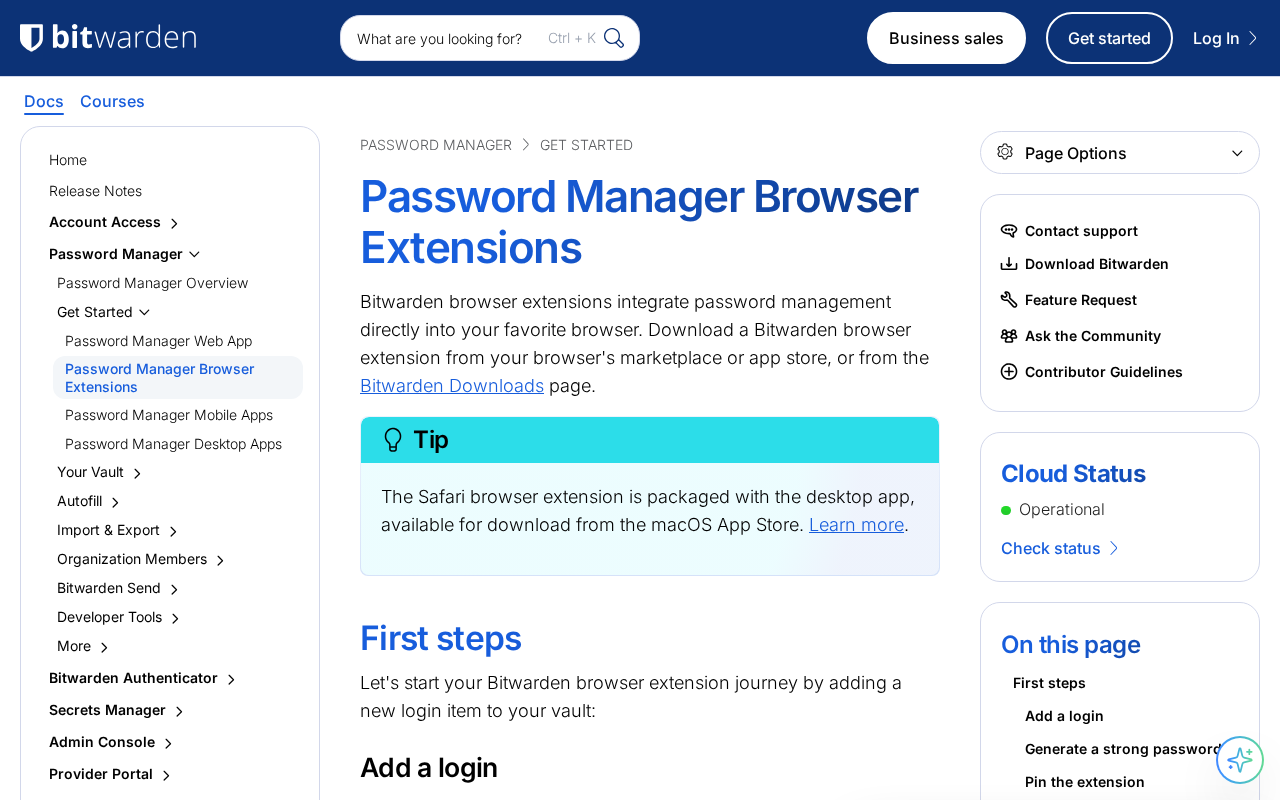
If you already have passwords saved in Chrome, Safari, or Firefox, export them first from your browser, then import the CSV file into Bitwarden.
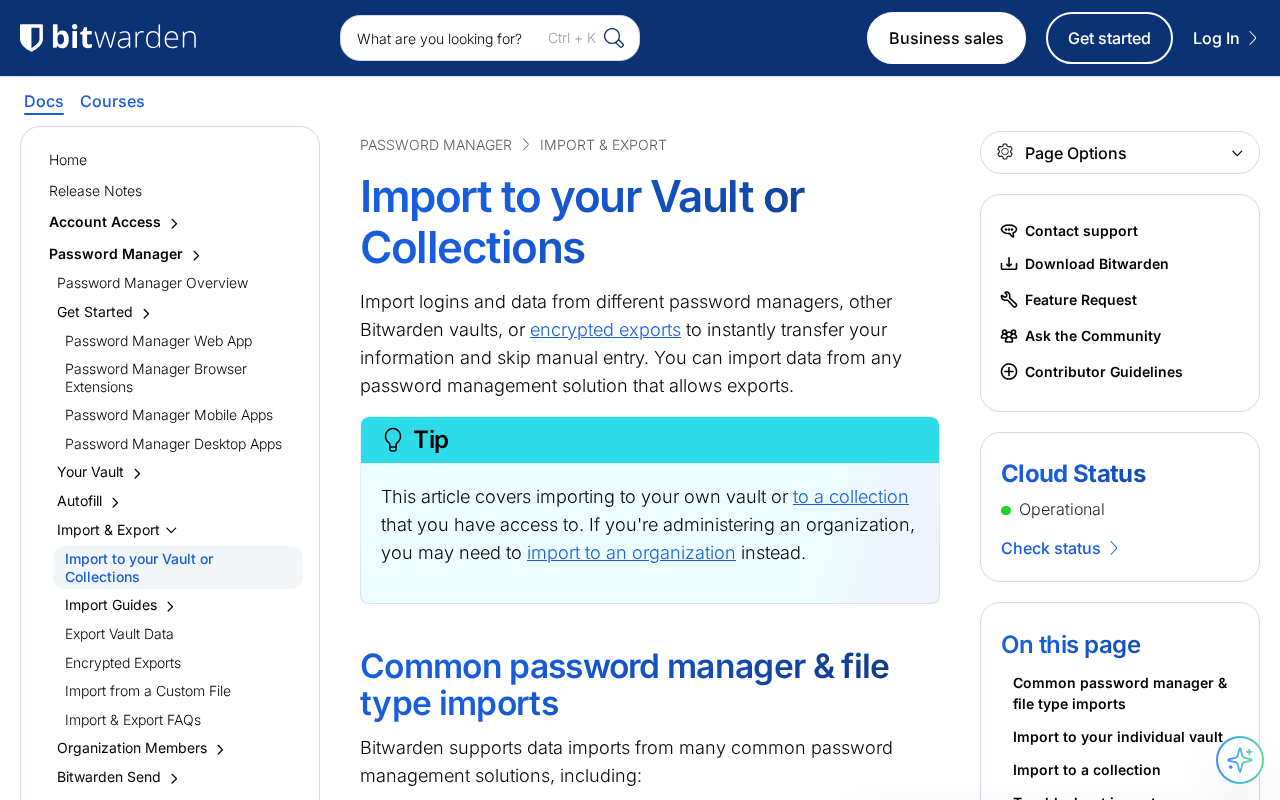
Protect your vault with an extra layer of security by turning on two-step login using an authenticator app.
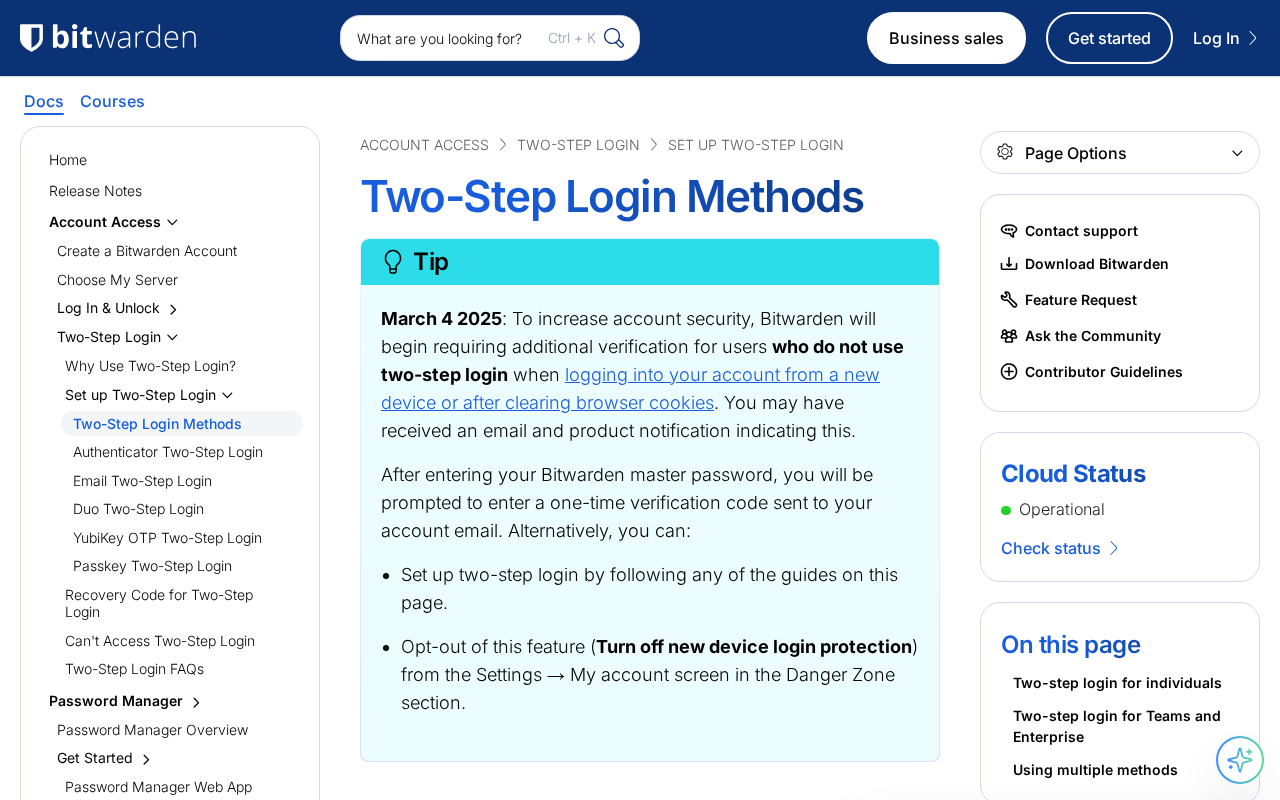
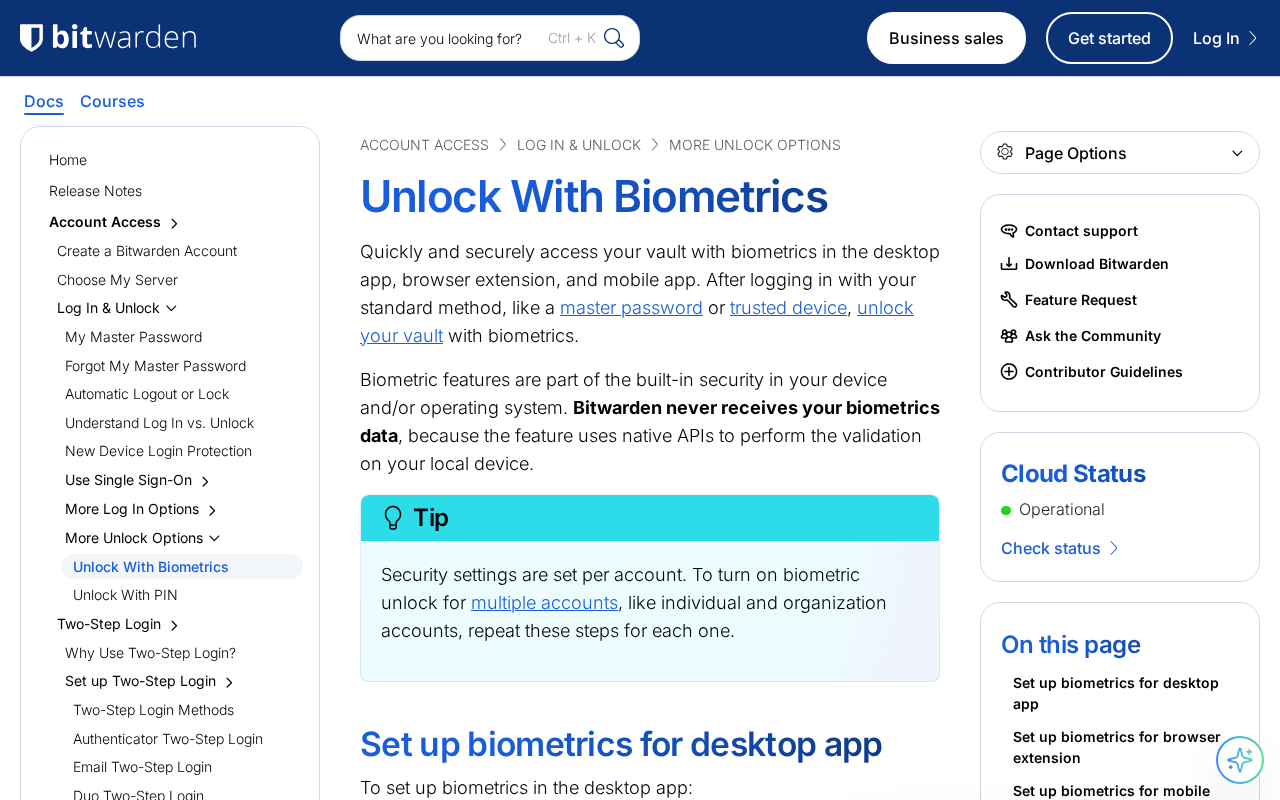
Log in on your phone and enable biometrics (Face ID or fingerprint) so you can unlock your vault quickly without typing your master password every time.
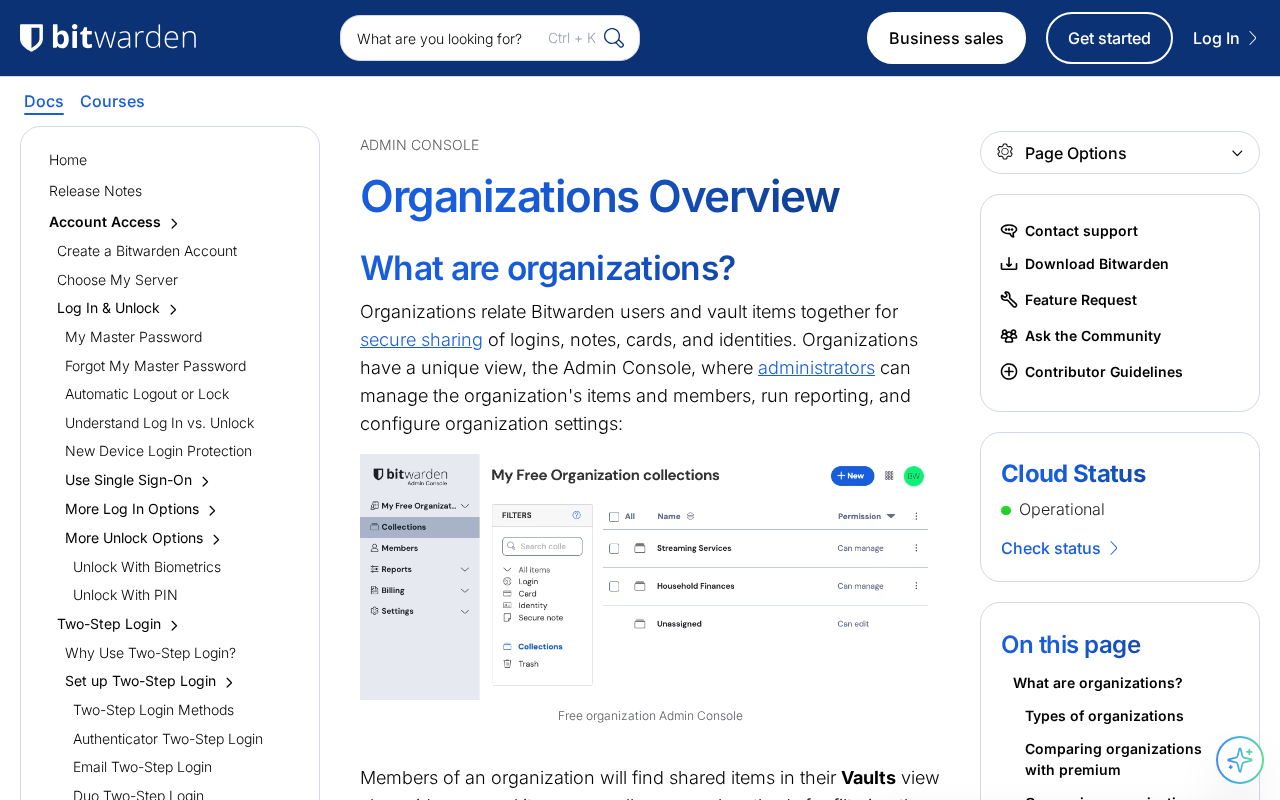
Use Organizations (free for 2 users) or upgrade to the Families plan ($40/yr for 6 users) to securely share WiFi passwords, insurance logins, and streaming accounts with your household.
Lock the extension, visit a site you've saved a password for, click the Bitwarden icon, and confirm it auto-fills your credentials correctly.
Dire situation, confused, not sure where to start — send us a note. No consulting pitch, no sales call. We read every message and point you in the right direction.